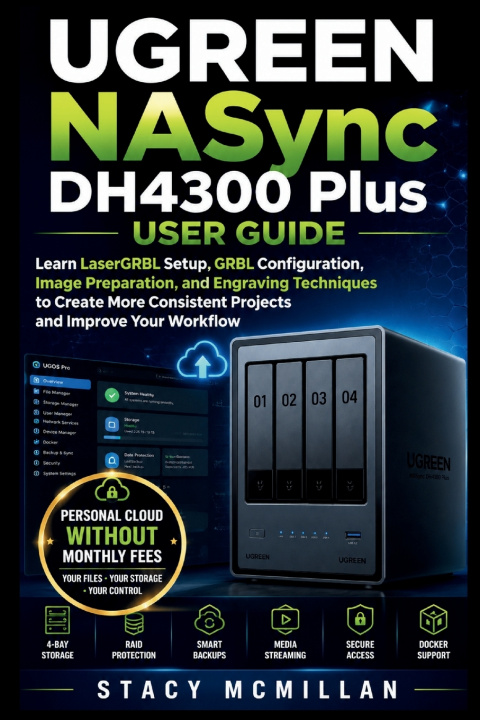
Could one wrong storage setting leave your files exposed, unreachable, or hard to recover?
A new NAS can feel confusing when you must choose drives, create RAID, set user permissions, connect computers, protect backups, enable remote access, and respond to warnings. A poor choice may waste capacity, block users, slow transfers, or place important files at risk.
This practical guide walks you through the UGREEN NASync DH4300 Plus from first setup to daily management. It explains each task in plain English and shows you what to do, what to check, and what to avoid.
You get step-by-step instructions, practical examples, checklists, troubleshooting help, and clear instructional diagrams covering hardware, storage, permissions, backups, networking, media, remote access, Docker, and RAID recovery.
Built for real setup, daily use, and safer storage decisions.
What's inside
- Clear NAS and private cloud basics
- Drive installation and hardware setup
- UGOS Pro registration and configuration
- Storage pools, volumes, and RAID choices
- User accounts and folder permissions
- Windows, macOS, and mobile file access
- Controlled file-sharing links
- Windows, Mac, phone, and USB backups
- Photo, video, and music management
- UGREENlink remote access setup
- ARM64 Docker and container basics
- Security, maintenance, and capacity growth
- Troubleshooting and RAID recovery workflows
- Practical diagrams, examples, and checklists
Who's this guide for?
- First-time NAS owners
- Families organizing shared files and photos
- Small offices managing team storage
- Creators with large photo and video libraries
- Windows and Mac users building backups
- Users protecting phone photos and videos
- Beginners interested in Docker apps
- Readers seeking more control over private storage
By the end of this guide, you will be able to:- Install compatible drives and connect the hardware
- Set up UGOS Pro and create the administrator account
- Choose a suitable RAID level
- Create storage pools, volumes, and folders
- Control read, write, and blocked access
- Connect Windows, macOS, phones, and tablets
- Build and test reliable backup routines
- Organize and stream stored media
- Configure safer remote file access
- Monitor drive health and storage use
- Manage basic ARM64 containers
- Respond to login, network, drive, and RAID problems
Clear instructions and practical support help you build a storage system you understand, manage, and trust.
Set up your DH4300 Plus with confidence and take control of your files.